I WANT TO PRINT LOT, EXPIRY DATE AND BARCODE
LOT, expiry date and barcode coding on the production line
Every product leaves with the right code: clean, readable, traceable. From a small code on a sachet to a QR code on a bottle, and permanent laser marking with no ink.
Our manufacturer
ZenJet Coding: designed and built in France
ZenJet Coding designs and builds coding printers, inks and software in France, in Saint-Marcel-lès-Valence. We are its partner for Greece and Cyprus.
- No service, no maintenance contract. The printhead is inside the cartridge, so every new cartridge gives you a new printhead.
- European manufacture. Printers and inks are designed and made in the European Union.
- Inks for every material. ZenJet develops its own inks for paper, cardboard, plastics, film, glass and metals.
- Direct line to the manufacturer. Close cooperation with the ZenJet team, for fast answers and proper support.
- Steady availability. Printers, cartridges and inks from us.
What decides the right solution
- What you print — LOT, date, text, 1D or 2D barcode (QR, DataMatrix, GS1).
- On what — paper, cardboard, plastic, film, glass, metal; porous or not.
- How large — from a few millimetres up to 23 mm.
- Line speed — how many metres or pieces per minute.
- Environment — humidity, dust, washdown.
- Where the data comes from — from the printer screen or automatically from a database / ERP.
For this we have 3 solutions
1. Small characters, high resolution (up to 12.7 mm)
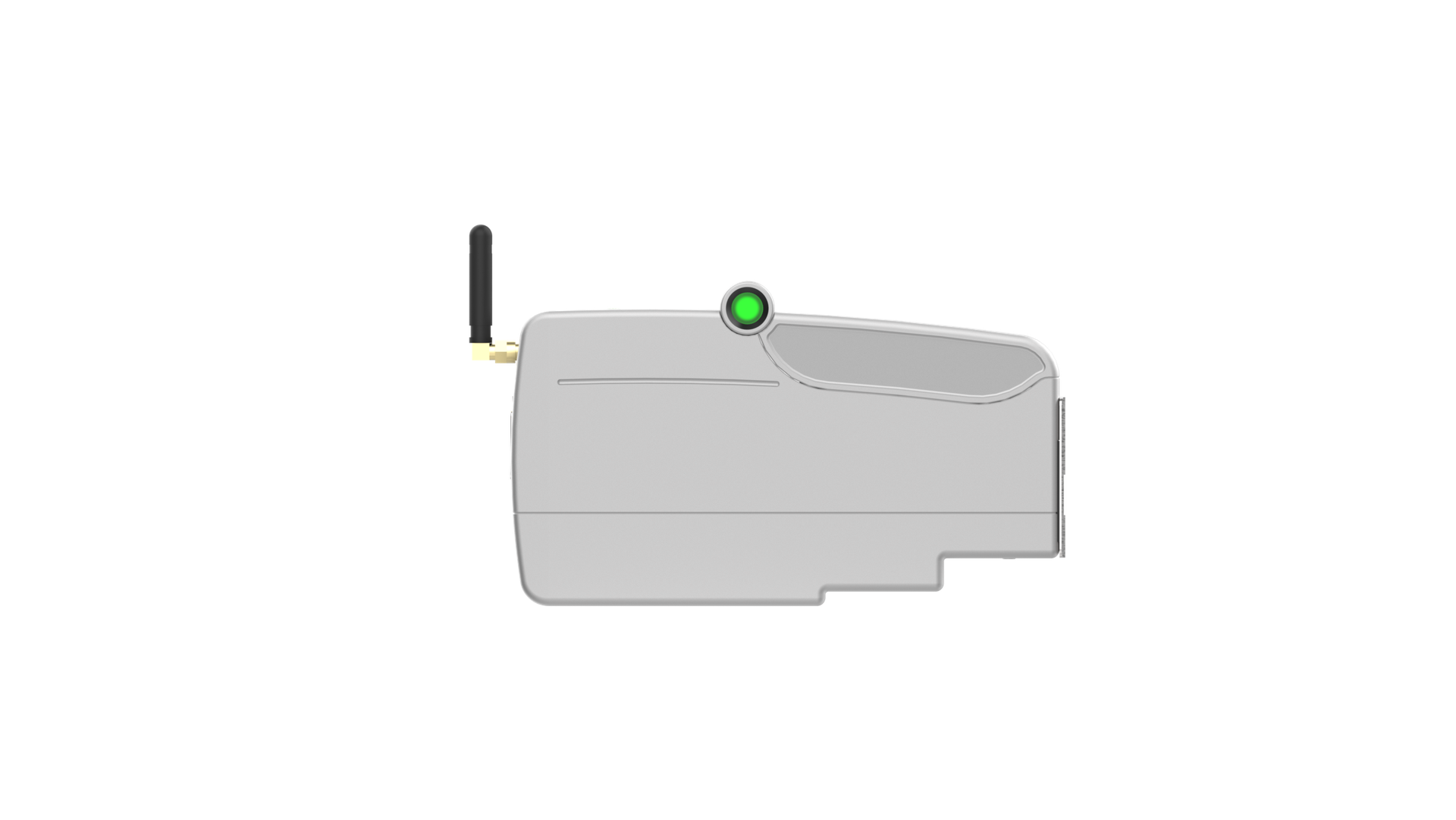
What it is: Production line printers with HP TIJ technology for LOT, dates, barcodes, QR codes, text and images, with print height up to 12.7 mm and resolution up to 600 dpi.
When it fits: Small, clean codes on sachets, bottles, boxes, labels and cartons.
Equipment: ZenJet Universal (aluminium body, up to 90 m/min); ZenJet Ultra (stainless steel, IP65, up to 180 m/min) for areas with humidity, dust or washdown.
2. The same, with 23 mm print height
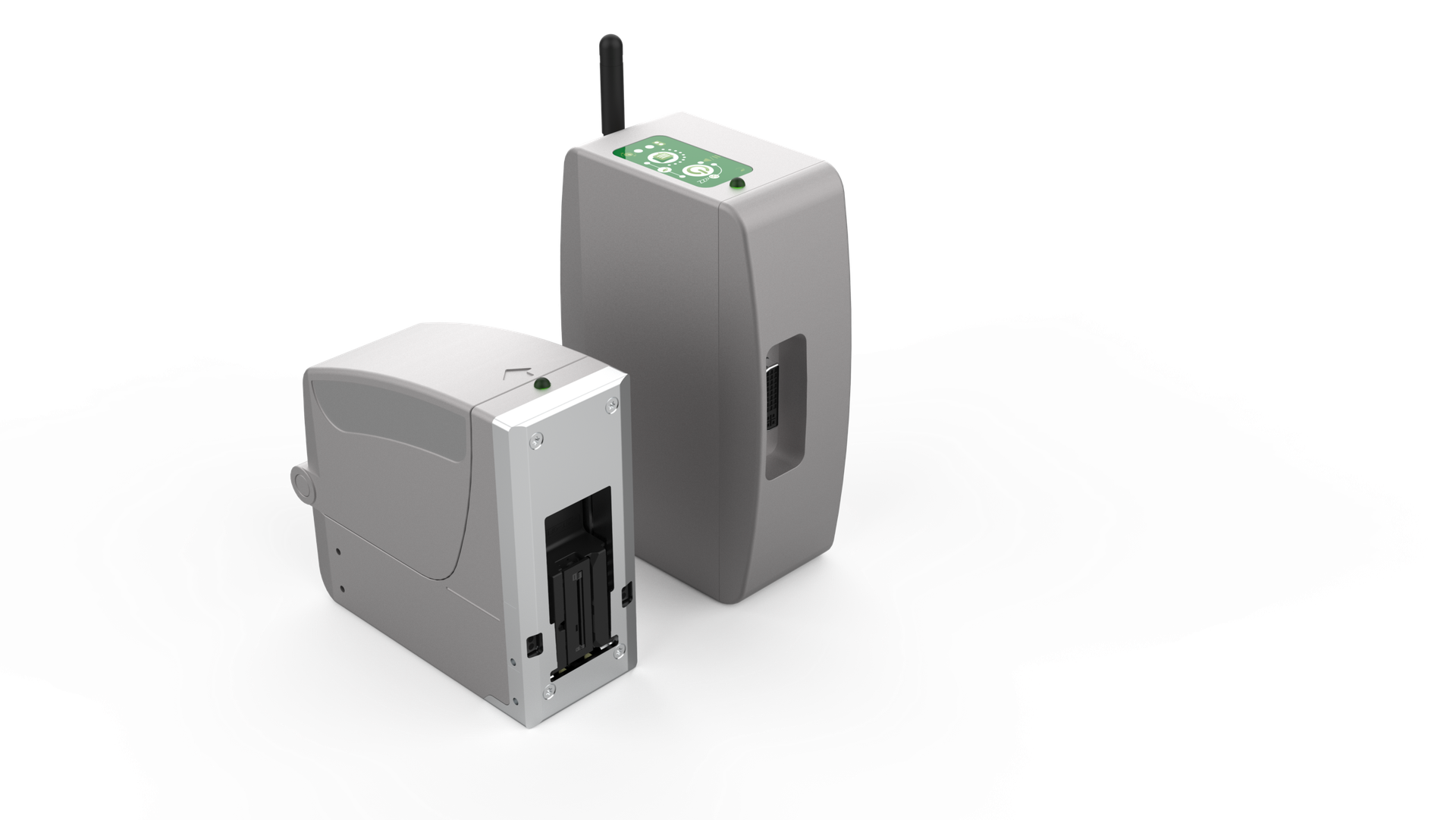
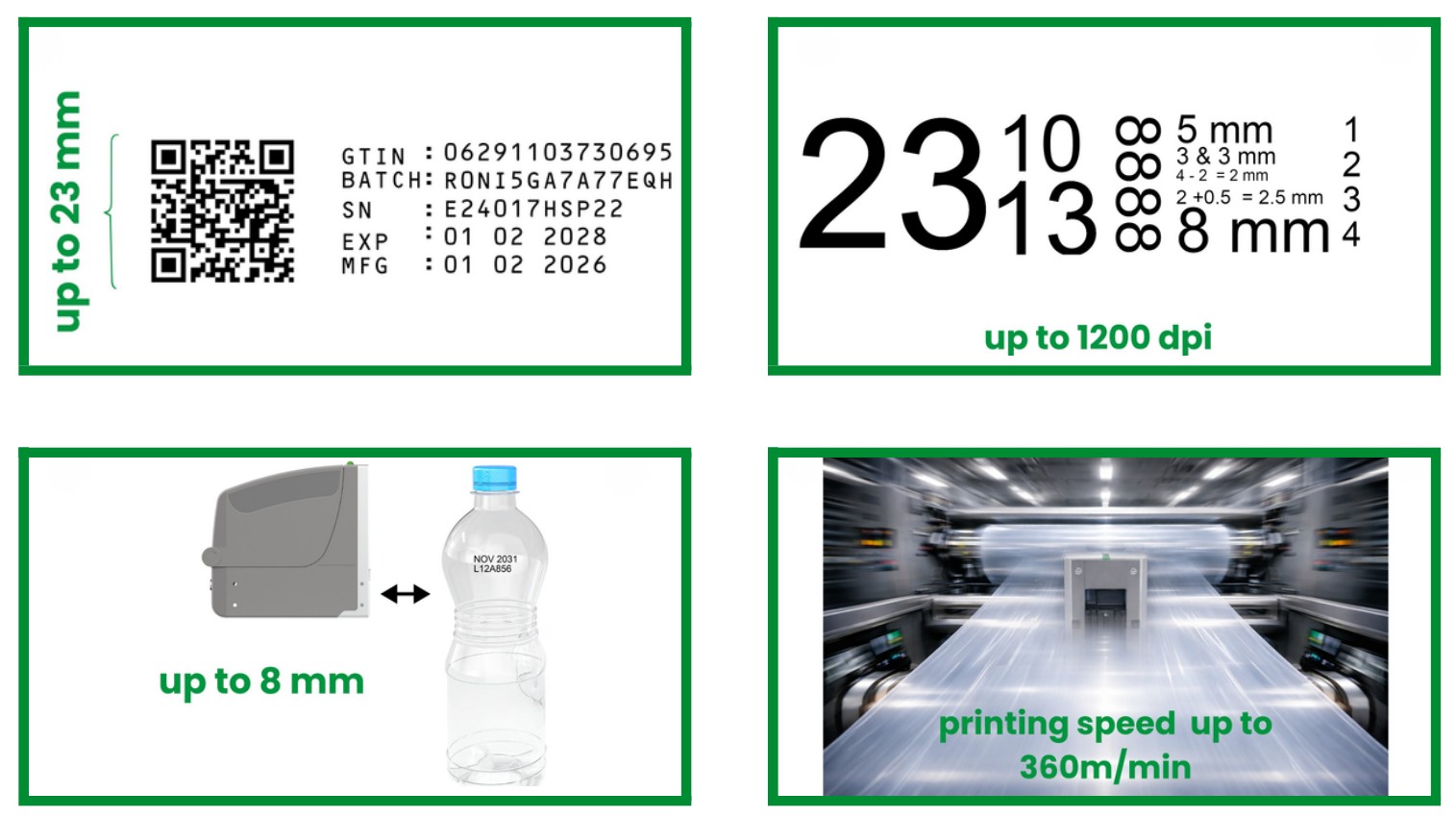
What it is: The new generation of HP TIJ technology: a cartridge with 2×544 nozzles, 23 mm print height and resolution up to 1200 dpi, for LOT, barcodes, QR codes, text and images.
When it fits: Larger barcodes and QR/GS1 codes, fast lines, even curved products (print distance up to 8 mm).
Equipment: ZenJet Rafale — up to 1200 dpi, 23 mm print height, up to 360 m/min, according to the manufacturer.
3. Permanent marking with no ink
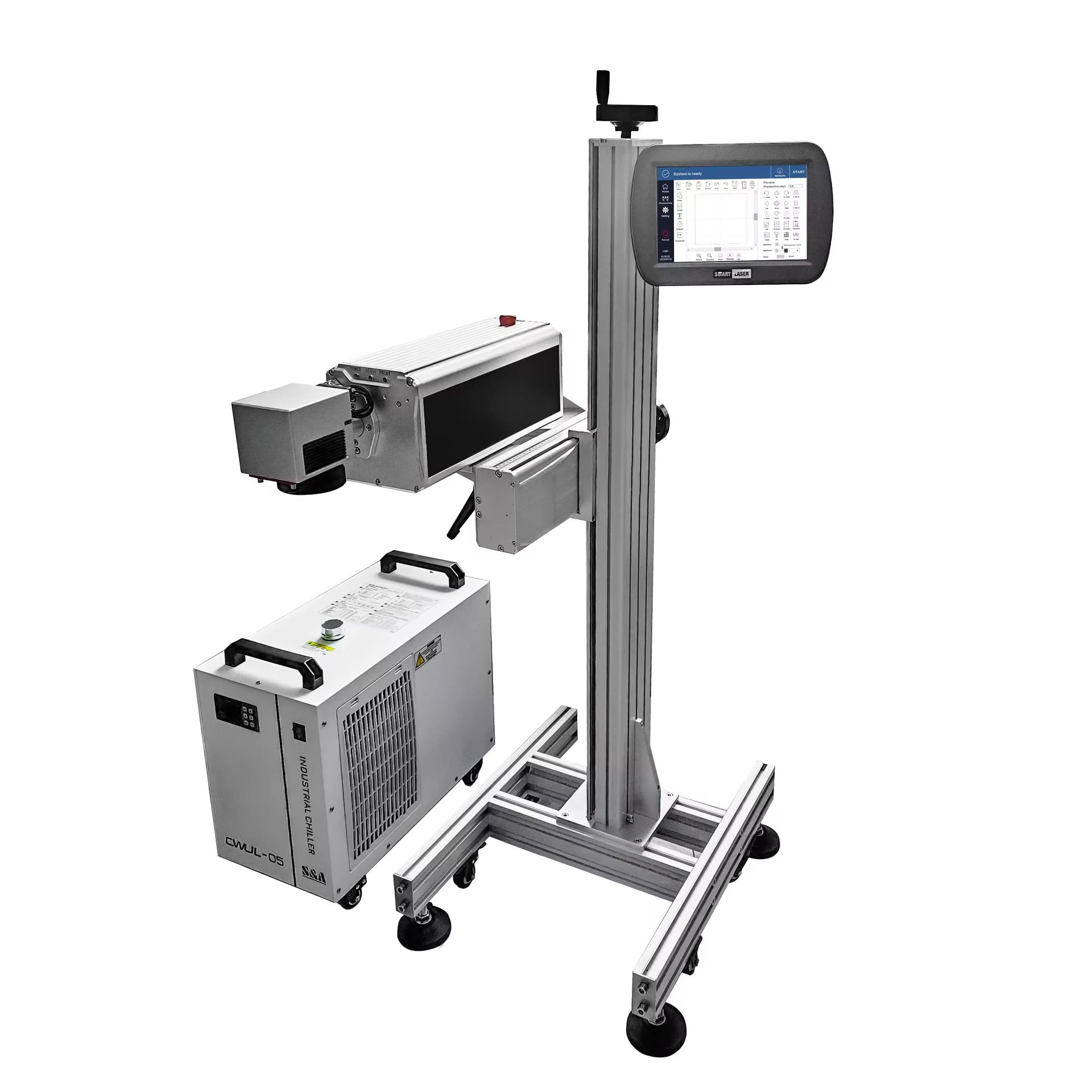
What it is: Lasers that "write" codes, dates, barcodes and logos onto the material, with no inks and no consumables.
When it fits: When the marking must never wear off — on plastics, film, glass, metals — or when you want zero consumables.
Equipment: The VZJET laser range:
- Line lasers, which mark on the move over the conveyor: UV (355 nm) for glass, plastics and film; fiber for metals and hard plastics; CO₂ for paper, cardboard, wood and labels.
- Benchtop fiber marking stations, for marking batches away from the production line.
Which solution fits you
| Your case | The solution |
|---|---|
| LOT, expiry date, small barcode or QR code on the product or on the label | 1 · ZenJet Universal / Ultra |
| Larger codes (up to 23 mm), fast line or curved product | 2 · ZenJet Rafale |
| Marking that does not wear off, with no ink | 3 · Line laser |
| Batch marking in small quantities, without a production line | 3 · Benchtop fiber laser |
When it does not fit
- Large text, logos or color graphics on the case (over 23 mm): this is where Industrial packaging printing.
- When you need a label, for example for many details or because a customer requires it: this is where label print and apply fits.
- Laser on every material: it does not "write" equally well on all of them; we confirm it with a sample test when the project moves forward.
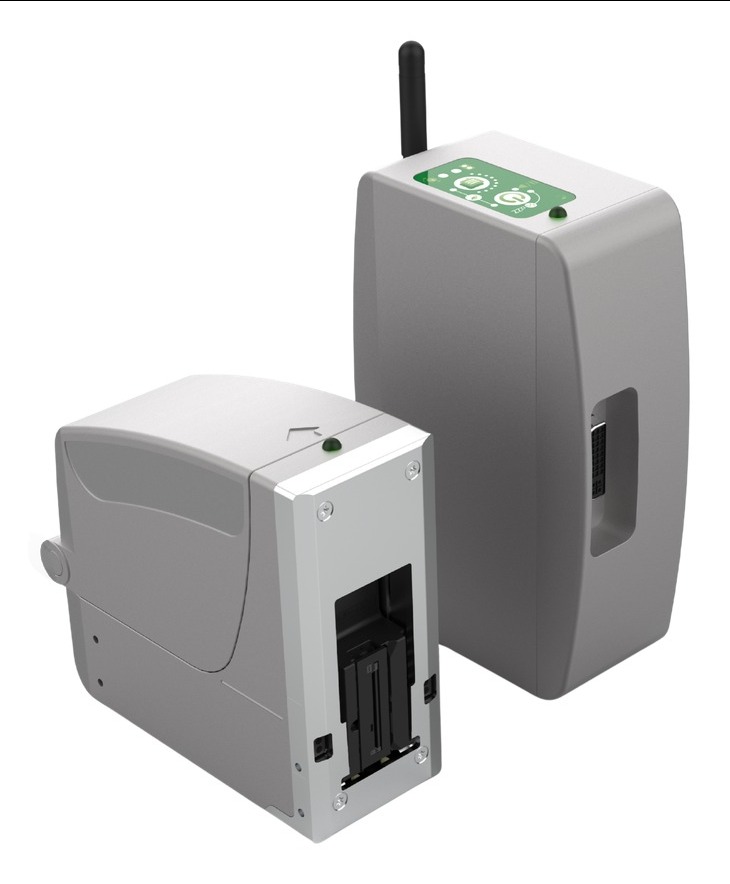
ZenJet Rafale: the new generation of coding
- Print height up to 23 mm — QR, DataMatrix and GS1 with all elements in one pass.
- Resolution up to 1200 dpi — clean characters even at very small sizes.
- Print distance up to 8 mm — for curved products, such as bottles.
- Speed up to 360 m/min — for the fastest lines.
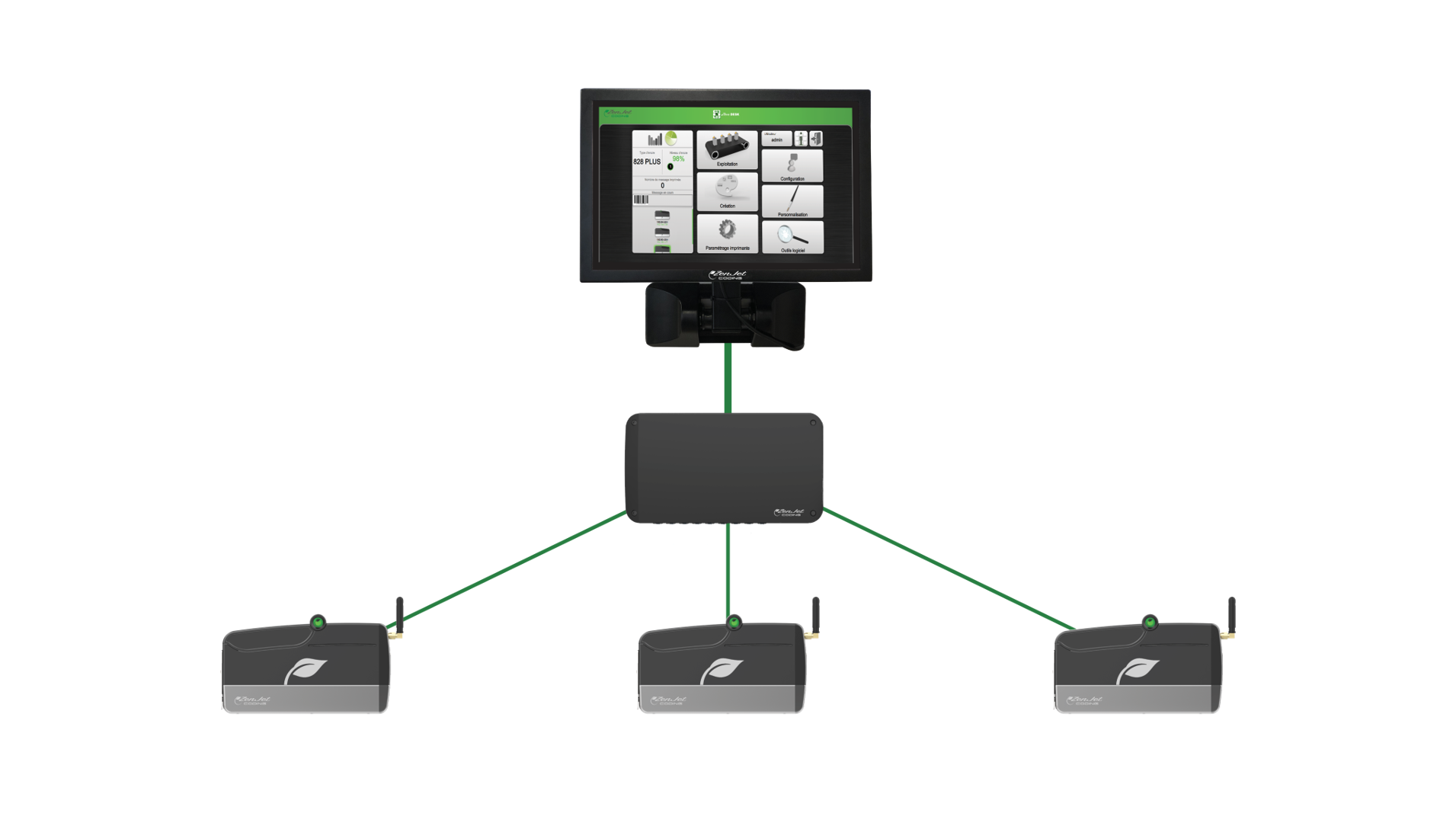
- Wi-Fi wireless connection — control and change the message from a mobile phone or tablet (Android, iOS) and from a computer (Windows), with no cables and without going near the line.
How it works
- You create the message on the screen. Text, date, LOT, barcode — with automatic date change and numbering.
- The sensor gives the signal. The printer prints the moment the product passes, without stopping the line.
- The data can also arrive automatically. From a database or ERP, over Ethernet; no typing at every change.
- Wireless, from a phone, tablet or computer. Over Wi-Fi, from Android, iOS and Windows devices.
- All printers from one point. With the ZenJet Terminal you control and update all the printers on the line from one screen.
How we work: from discussion to the line
- Discussion — you tell us what you want to print, on which material and at what speed.
- Proposal — printer, mounting stand, sensor and connection, with cost.
- Sample test — when the project moves forward.
- Installation and training — on your line.
- Service and consumables — cartridges, inks and support from us. The ZenJet needs no service and no maintenance contract.
Application example: LOT and expiry date checked automatically
The printer prints LOT and expiry date on every pack, with the data coming from your system. Right after, a camera reads the code and rejects any pack that is not correct.
This way no product leaves the line with a wrong or unreadable date, and you have a record for every item. See visual quality inspection →
To propose a solution, we need
- A photo of the pack
- What you want printed and at what size
- Line speed
- Whether the data will come from an ERP or a database
Frequently asked questions
Does it need service or a maintenance contract?
No. The ZenJet never needs service or a maintenance contract: the printhead is inside the cartridge, and with every cartridge change you get a new printhead.
On which materials does it print?
It depends on the ink. ZenJet makes its own inks for paper, cardboard, plastics, film, glass and metals. We confirm it with a sample test, when the project moves forward.
How much does each print cost?
We calculate it together, with your own message and your own quantities.
Can it take the data from our ERP?
Yes. The printers connect over Ethernet to a database or an ERP.
When should I prefer laser to ink?
When the marking must be permanent or when you want no consumables at all. Laser does not suit every material; we confirm it with a sample test, when the project moves forward.
Does it print on round products, such as bottles?
Yes. The Rafale prints from a distance of up to 8 mm, so also on curved surfaces.
The printer works together with…
- Visual quality inspection — the camera checks that every code was printed correctly.
- Labels — where a label is needed, we print it and apply it automatically.
- Industrial packaging printing — for large text, color graphics and difficult surfaces.
- Traceability and ERP/WMS — the data comes from your system and goes back to it.
Consumables
HP cartridges and ZenJet inks for all the printers we install, from us, with steady availability.
Did you know…
- …a printer on the line can replace a stock of pre-printed labels?
- …the expiry date can be calculated and changed automatically every day?
Tell us what you want to print
We will suggest the printer and the setup that fit your product and your line.
Request a technical discussion